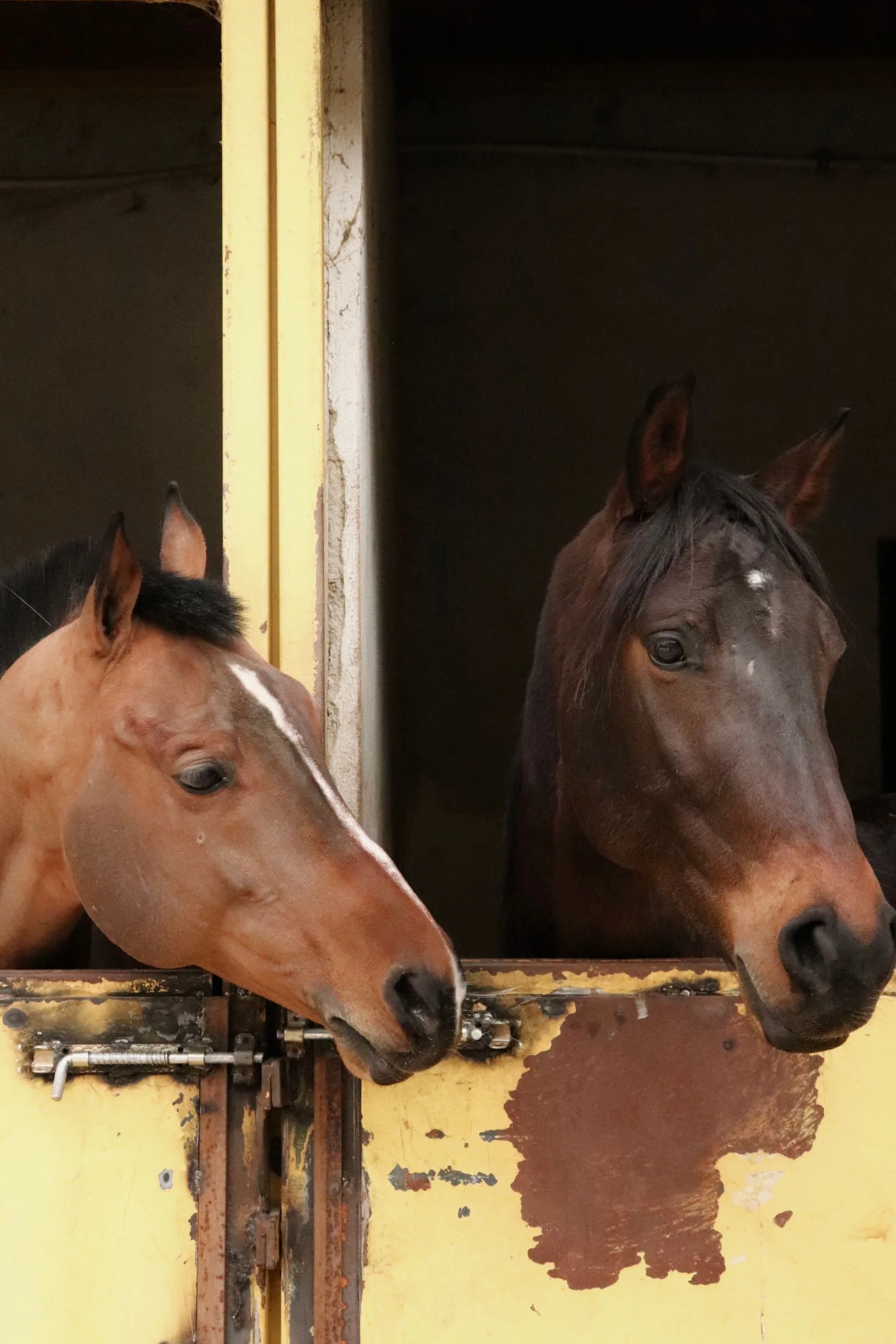
Choose the enquiry the site should help someone make
A breeding enquiry, a horse-sale enquiry and a request to visit are different conversations. Decide which ones the website should support, then make the route to each clear. Use the language your clients use when they contact the yard.
For each route, list the information a visitor needs before getting in touch. Avoid collecting every possible detail in the first form. Ask for the information needed to respond usefully, and make clear what the person should expect next.
Gather the facts before designing the pages
Create an approved record for each horse or service that will appear. Check names, spellings, dates, ownership references and any performance claim with the person responsible for the information. Keep source documents and the website copy together.
Decide who can update the site when a horse's availability or a service changes. A page that looked complete at launch may become misleading if nobody owns the next edit.
- An approved name and description for each horse or service.
- Verified supporting details and permission to publish them.
- A clear enquiry route and the person receiving it.
- The date the information was last checked.
Build a shot list around those pages
A homepage, a horse profile and a team introduction need different pictures. Ask for room around the subject where a layout needs it, and record which horse or person appears in each selected image. Capture practical details as well as broad atmosphere.
Discuss the intended uses with the photographer, including the website, social posts and printed material. Agree the permissions and delivery formats before treating every image as available for every channel.
Keep essential information in readable text
Do not put the only version of a horse's name or a service detail inside a picture. Visitors should be able to read it as page text. For informative images, provide a text alternative that conveys their relevant information; purely decorative images can have an empty alternative. The W3C's image guidance explains that distinction.
Crest & Canter brings brand, website and creative production into the same conversation. An approved content list and a purposeful shot list give that work a clearer starting point than a folder of attractive but unidentified photographs.
Sources and further reading
The planning checklist is editorial advice. W3C supports the image-accessibility guidance; no client results or performance figures are claimed.
- W3C WAI: Images Tutorial · checked 21 September 2026
Published by Crest & Canter. Prepared with AI assistance and reviewed against the cited material.