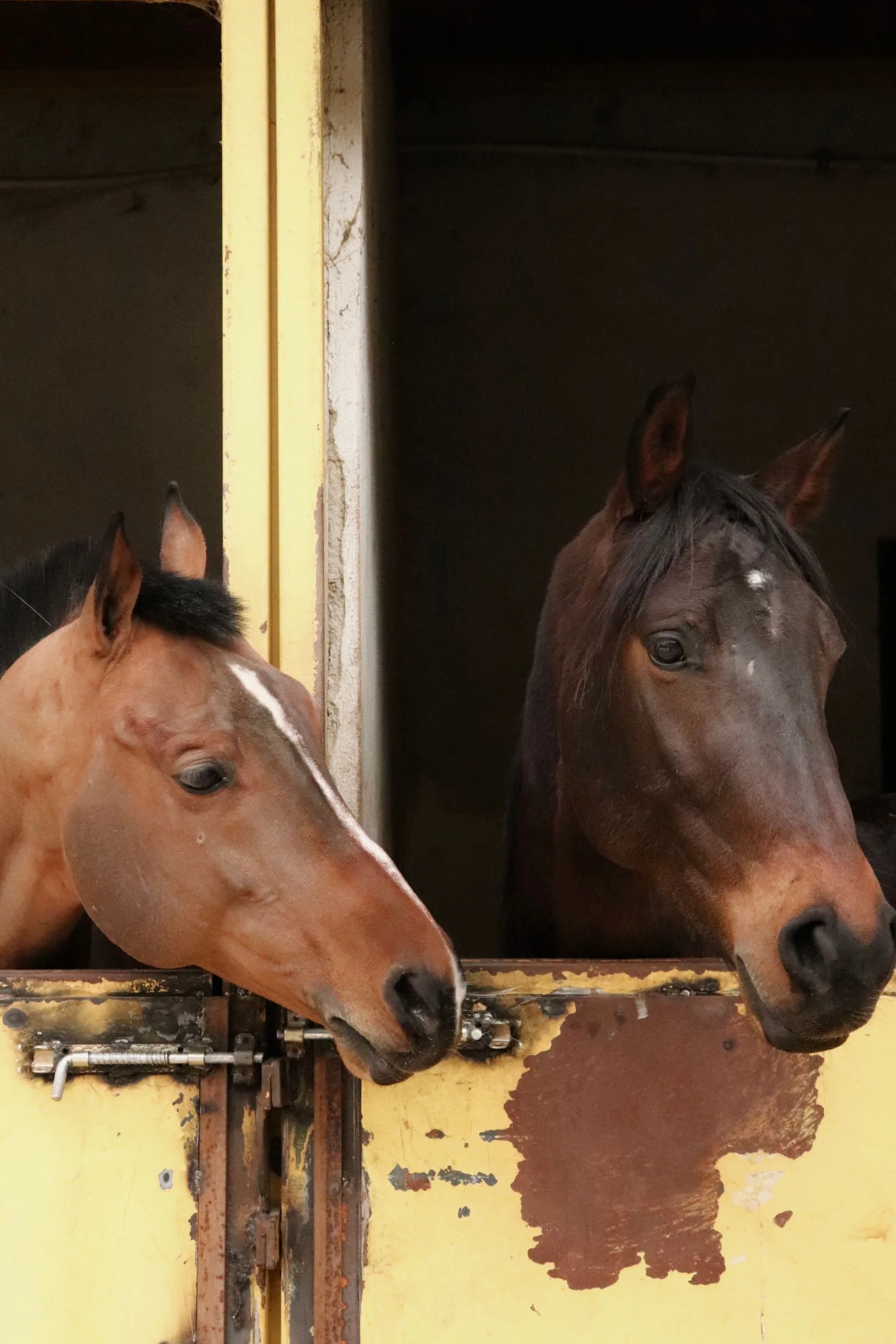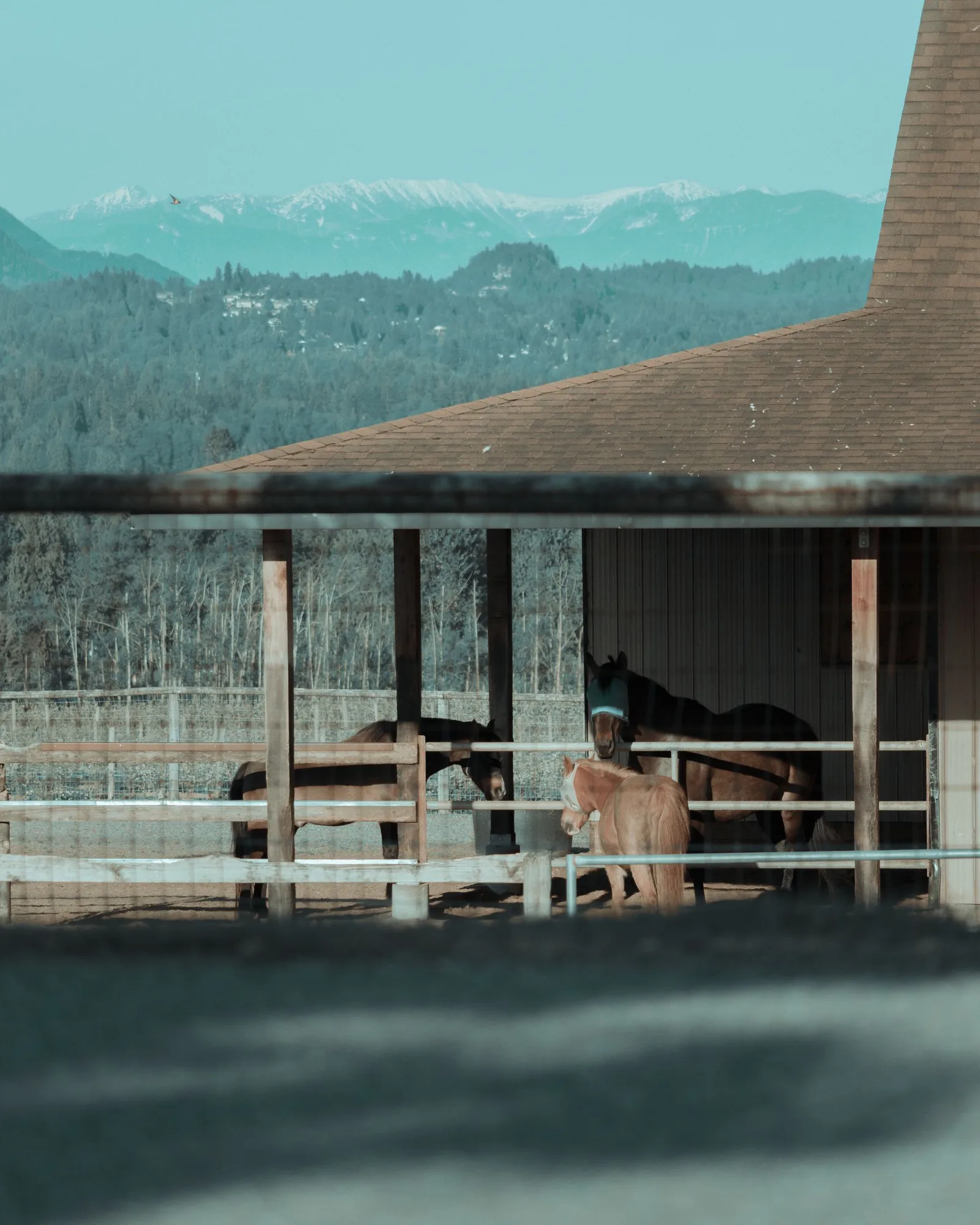
Decide what the first image should explain
Write one sentence about the visitor's first question. Are they looking for a stud farm, a competition yard or a maker of equestrian products? Compare candidate images against that sentence before comparing their colours.
A close portrait might establish character without explaining the setting. A wider yard view might show the place without showing the particular service. Decide what the image will communicate and what the neighbouring words need to supply.
Compare the crops, not only the originals
Place each candidate inside a rough desktop and phone layout. Look at what remains when the frame becomes narrower. Do not approve the photograph solely from a contact sheet if its important subject disappears in the intended crop.
Ask the photographer or designer whether another crop or another frame from the same session would work better. Treat this as a selection decision. Do not assume that extending or altering a photograph is necessary.
Read the words over the image
Use the actual heading, not a short placeholder. If the text sits over the photograph, check whether the important parts of either are obscured. Compare placing the words beside the picture as well as over it.
W3C's image guidance distinguishes meaningful photographs from purely decorative ones. For an informative image, its text alternative should convey the information that matters in that context. Decide that description alongside the layout rather than filling it with keywords afterwards.
Keep a short selection note
Record why the chosen photograph belongs on this page. The note can be practical: it shows the setting, leaves room for the heading and keeps the subject visible on a phone.
Include the file name and intended use in the handover. Keep the permitted uses and required credit with the asset as agreed with its provider. If the image rights are unclear, resolve that before publishing rather than assuming possession of the file is enough.
Sources and further reading
Original editorial advice on selecting imagery, not a promise of website results or legal advice about licensing. The text-alternative distinction is drawn from W3C WAI. Crest & Canter's studio page supplies service context only.
- W3C WAI: Images Tutorial · checked 22 September 2026
- Crest & Canter: studio services · checked 22 September 2026
Published by Crest & Canter. Prepared with AI assistance and reviewed against the cited material.